
Transfer Content from an iOS Device to a New Device
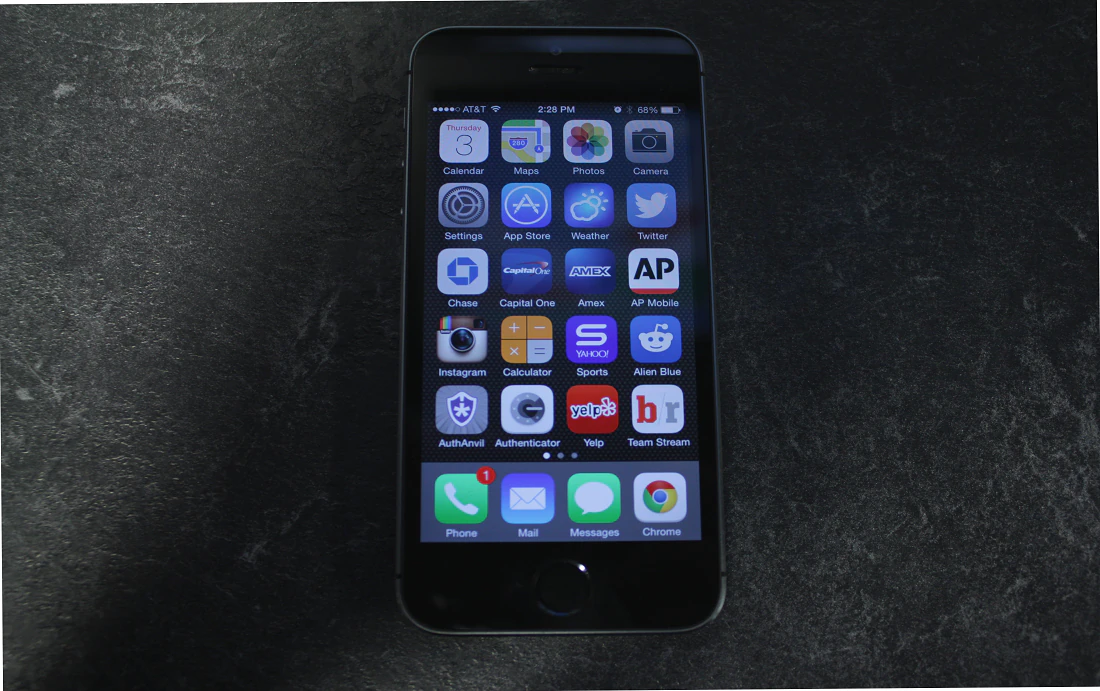
Apple offers two different solutions when it comes to backing up your device; iTunes and iCloud. If you’ve already been using iCloud, you can set your phone, tablet, or iPod to automatically backup to the cloud in the settings for your device. (Set up iCloud on all your devices) The other option is making a backup copy of your data to your iTunes account, using the computer that you have designated to host your iTunes. (iTunes backup instructions)
Once you have successfully backed up your device with one of the two above methods, you are ready to set up your new device. As you go through the step-by-step wizard when starting your new device, it will give you the option to choose the restore method, choose the backup solution you used:
- Set Up as New iPhone
- Restore from iCloud Backup
- Restore from iTunes Backup
For more resources on which method will make the most sense for you, check out some of the apple support links below:
iCloud and iTunes backup solutions
From the Fuse archive, first published April 3, 2014. Read the latest on the Fuse blog.
