
Tighten Up Your Network Security with Superior Access Control
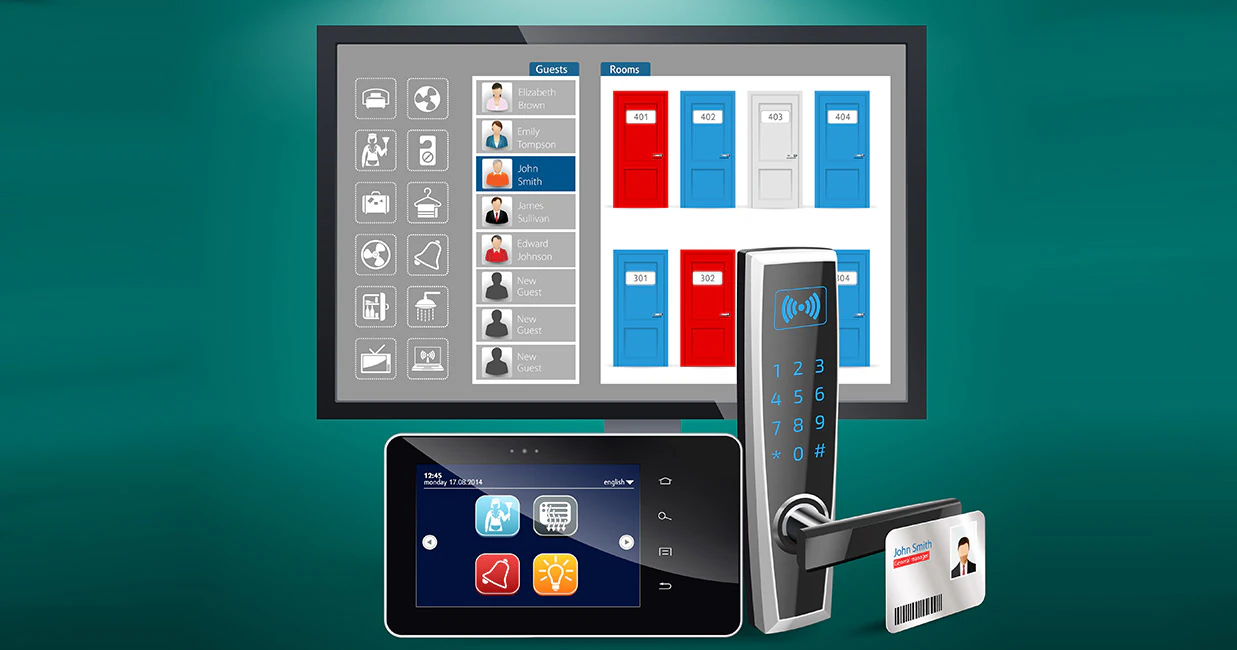
Who can access which data on your network? Who can open your front door, or get to important resources in your building?
Access control helps make sure only authorized people reach specific parts of your business, physical or digital.
What is access control?
At its core, access control restricts access to specific resources based on the user or their role. It usually requires people to verify their identity before they get in. Think of it as asking permission: once the system confirms who you are, you get access to what you’re allowed to use.
Access control comes in two kinds: digital (cyber) and physical.
Cyber access control
Your business has data that only certain people should see: sensitive employee data, certain applications, financial records and so on. The fewer people who can access it, the less likely it is to be compromised. Access control tools let you decide which employees can reach specific data, applications or resources, based on their role.
Physical access control
Sometimes you want to keep people out of certain parts of your office. Physical access control can use key cards, code-locked doors or biometric scanners. For example, if sensitive records are stored in one room, you can keep that door locked to everyone but a few people. Or you might have a gate that only employees can open.
Your checklist
- List your sensitive data. And who truly needs it.
- Set access by role. Not by habit.
- Secure sensitive rooms. Locks, cards or codes.
- Review it regularly. Remove access people no longer need.
The bottom line
Access control systems take some management, but they’re a strong way to protect your business. If you’d like help putting digital access control in place, our Michigan team is here. Talk to our team: 248‑545‑0800.
From the Fuse archive, first published March 14, 2022. Read the latest on the Fuse blog.
