
Is This Party BYOD?
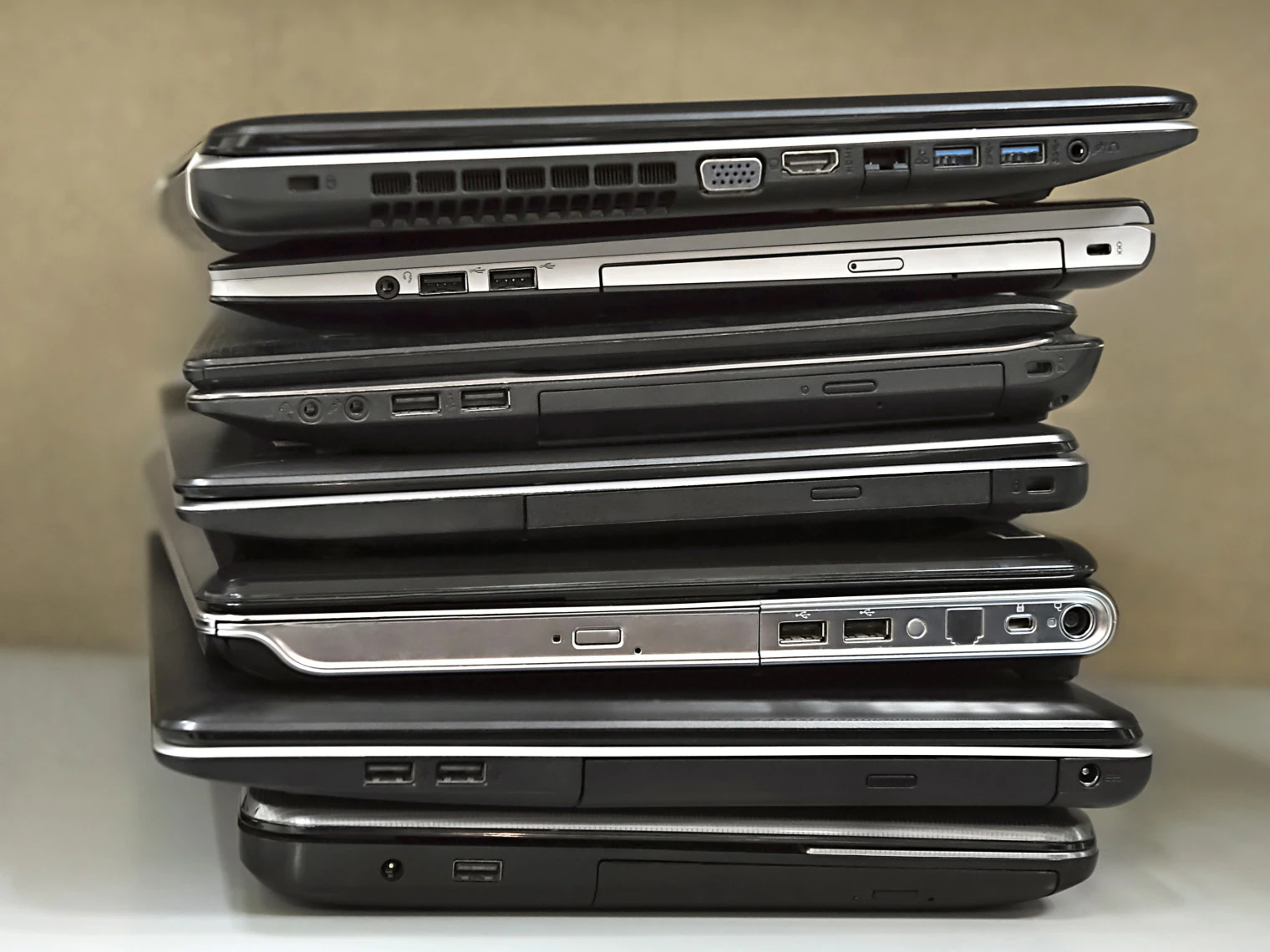
BYOD stands for “bring your own device.” It means letting staff use their own phones, tablets or laptops to do their jobs. It sounds like a great way to save money and cut management work, but it isn’t right for everyone.
As a managed service provider in Metro Detroit, we hear BYOD questions from clients often. Here are the pros, the cons and what Michigan businesses should think about first.
Why BYOD caught on
The newest tech starts at home.
New technology usually reaches consumers before businesses. People got used to new phones and fast laptops at home, then were handed older equipment at work.
The cloud made it possible.
As cloud services became mainstream, company data and email could be reached from personal devices, not just company equipment. Over time, employees started bringing their own devices and services into the office, with or without permission.
The benefits
It can save money.
You no longer have to keep up with every new phone or laptop that comes out.
It’s convenient.
Cloud services make data so accessible that matching company-issued devices aren’t always needed for remote work.
The drawbacks
Their device becomes your problem.
Your IT team or IT provider ends up supporting a mix of devices, often without approving them first. Without guidelines for approved devices and systems, that’s hard to manage centrally.
Work and personal issues blur.
IT time can drift to fixing personal photo backups, music accounts, or the personal side of business apps like Google Workspace or Dropbox.
Security is the biggest concern.
When the business owns every device, you can secure them all the same way. With BYOD you give up some of that control. It shows most when people change jobs: if someone leaves suddenly with your data on their own device, you may not have the legal right to access it and remove it.
Before you allow BYOD
- Talk to IT and legal first. Decide what’s allowed and what happens when someone leaves.
- Set device guidelines. Which devices and systems are approved for work.
- Draw the support line. What IT will help with, and what stays personal.
The bottom line
BYOD can bring real savings and convenience, but it should be approached carefully. If you’d like help with a BYOD policy or managing mobile devices, our Michigan team is here. Talk to our team: 248‑545‑0800.
From the Fuse archive, first published January 17, 2017. Read the latest on the Fuse blog.
