Most businesses think about IT in terms of whether it keeps up. Can it handle more users, more data, more demand? That is the right question for staying afloat. It is the wrong question for growing well. The businesses that scale smoothly are not the ones whose technology merely survives the added load. They are the ones whose technology makes the next stage of growth easier than the last.
Good IT does more than keep up with growth. It removes the friction around adding people, clients, and locations, so scaling gets easier instead of harder.
- IT that supports growth reacts to each new demand as it appears.
- IT that enables growth removes friction before it slows you down.
- Standardized setup makes onboarding and scaling fast and repeatable.
- Tools chosen for scale grow with you instead of straining.
- You feel the difference most when you try to grow quickly.
Supporting growth is not the same as enabling it

IT that supports growth reacts to it. You add five people, so you buy five more licenses and set up five more accounts. You open a second location, so you scramble to extend access to it. The work gets done, but every step of growth creates a fresh round of catching up.
IT that enables growth works differently. The systems are built so that adding people, clients, or locations is a routine step rather than a project. The friction that normally comes with scaling has already been removed. Instead of slowing you down, your technology quietly makes the next move simpler.
IT that supports growth reacts to each new demand as it appears. IT that enables growth removes friction before it slows you down.
What growth-friendly IT looks like

When IT is built to enable growth, onboarding a new employee is a quick, routine step, not a days-long project. Accounts, access, and devices are set up from a standard template, so a new hire is productive on day one instead of waiting on IT.
A new hire is productive on day one instead of waiting on IT.
Tools and systems are chosen with scale in mind. Rather than software that works for a team of ten and strains at thirty, you have systems that grow with you.
Access works the same whether someone is in the office, at home, or on the road. And security is built in from the start, so growing your headcount does not mean opening new gaps.
Where growth usually gets stuck
None of these problems look urgent on any given day. That is exactly why they persist.
The places growth stalls are predictable:
- Onboarding that depends on someone manually configuring each device.
- File systems that were fine for a small team and now slow everyone down.
- Tools that do not talk to each other, so information gets copied by hand between them.
- Security that was set up once and never revisited as the team doubled.
None of these problems look urgent on any given day. That is exactly why they persist. They are tolerated as the cost of being busy, until the moment you try to grow quickly and discover that your technology is the thing holding you back.
Building IT that gets out of the way
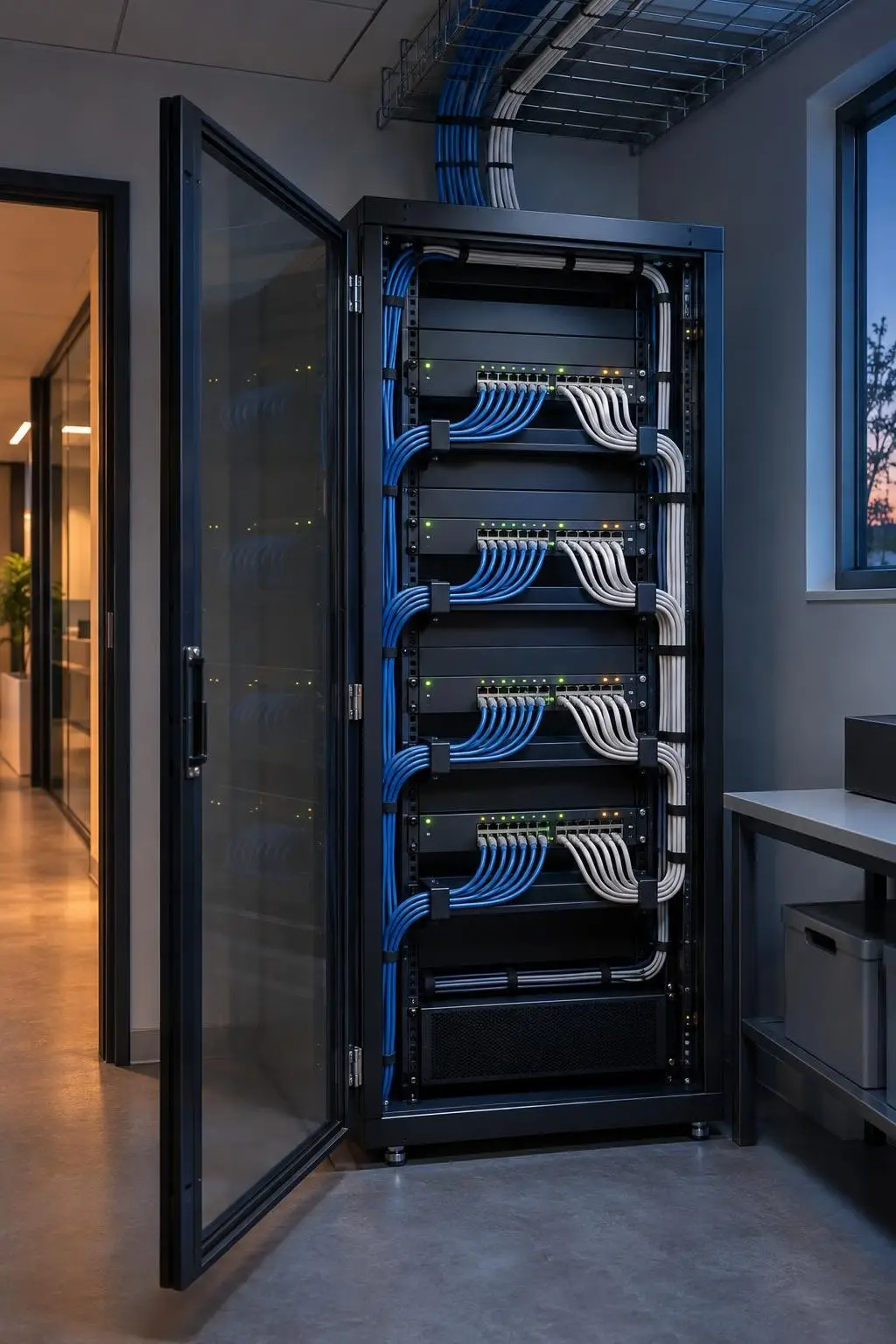
Making growth easier starts with looking at where your current setup creates friction and removing it before it becomes a bottleneck. That means standardizing how people and devices get set up, choosing tools that scale, and planning your infrastructure around where the business is heading rather than where it has been.
It also means managing IT proactively, so the systems your team depends on stay reliable as the load increases.
Growth puts stress on technology. The goal is for that stress to be absorbed in the background.
Growth puts stress on technology. The goal is for that stress to be absorbed in the background, not felt by everyone trying to do their jobs.
Standardize how people and devices are set up, choose tools built to scale, manage IT proactively, and plan your infrastructure around where the business is heading.
The bottom line
Technology that keeps up with growth is the minimum. Technology that makes growth easier is the advantage.
The difference shows up most when you are trying to move fast, in the moments when good IT either clears the path or quietly blocks it. Building toward the second kind is one of the highest-return decisions a growing business can make.
Frequently asked questions
What does it mean for IT to enable growth?
It means your technology is built so that adding people, clients, or locations is a routine step rather than a scramble. The friction of scaling is removed in advance, so growth feels easier.
How is growth-enabling IT different from regular IT support?
Regular support reacts to growth as it happens, catching up after each change. Growth-enabling IT is designed ahead of time so the next stage of scaling is simpler than the last.
What are signs my IT is slowing down growth?
Slow onboarding, manual processes, tools that do not work together, and security that has not kept pace with your headcount are all signs your technology is creating friction.
How can a small business make its IT more scalable?
Standardize how people and devices are set up, choose tools built to scale, manage IT proactively, and plan your infrastructure around where the business is heading.