
Is Your Business Taking Full Advantage of the Cloud?
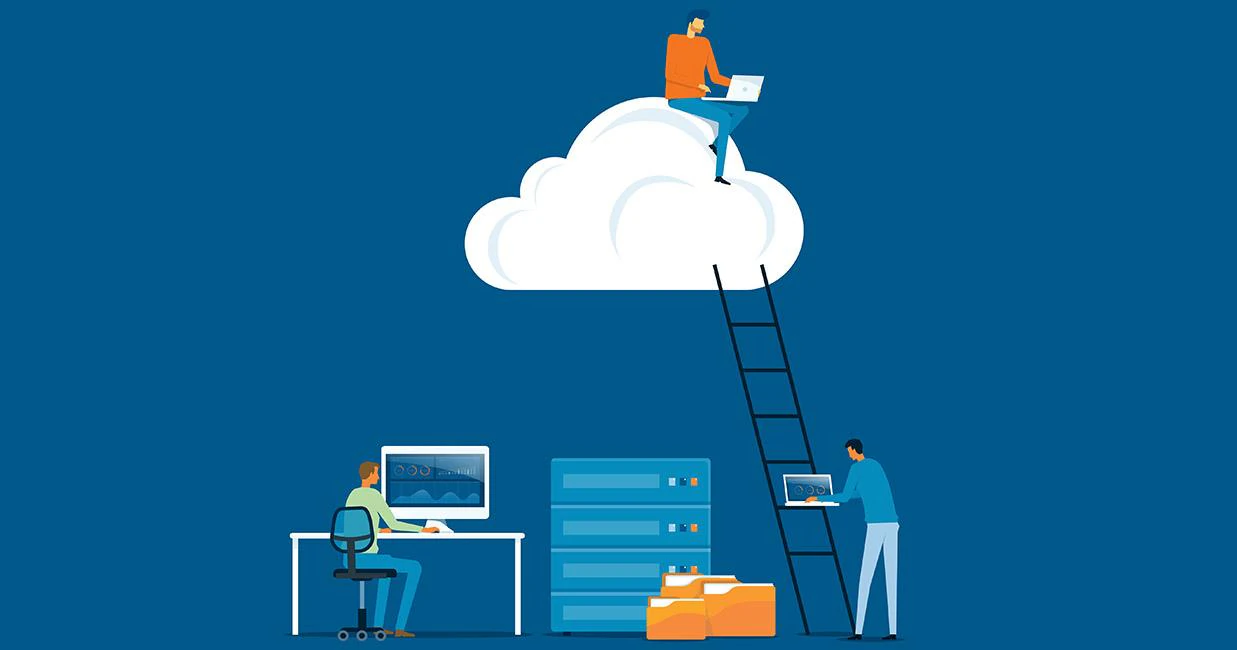
The cloud is a great way to make applications and data more accessible, but many businesses only scratch the surface of what it can do. Here’s a closer look at cloud computing.
Much more than a place to store files
“The cloud” has become shorthand for “it’s on the internet.” Many people know it mainly as the place their photos are saved, through the free storage that comes with a Google or Microsoft account. That has value, but many companies underestimate what cloud computing can do for a business, especially its ability to raise productivity while reducing expenses.
How cloud computing benefits business
Cloud computing helps business in several ways, but it mostly comes down to two: efficiency and lower costs. You can see it in services like application hosting, productivity suites, VoIP and storage. Many businesses have heard of these services without a clear picture of how they help. Here are the three most common types: SaaS, PaaS and IaaS.
Software as a Service (SaaS)
SaaS lets your team use applications through a web browser. A familiar example is productivity suites like Google Workspace and Microsoft 365. Your team can collaborate, share documents and work from anywhere with internet access.
SaaS can also cut costs. Because applications are delivered online, there’s less installing and maintaining software on each workstation, and subscriptions keep everyone on the same version.
That matters, because many businesses run a mix of software versions to save money, and some of those versions may be out of date. Outdated software causes compatibility problems and can give attackers a way into your network through known weaknesses.
Advantages of SaaS:
- Hosted on a remote server
- Accessible over the internet
- Less spending on hardware and software
Platform as a Service (PaaS)
PaaS, also called cloud platform services, gives developers a framework for building custom applications. The provider handles the servers, storage and networking, so your team can focus on building applications without managing the hardware underneath.
PaaS can streamline development, especially when several developers work on the same project, and it offers the flexibility to build and distribute applications quickly.
Advantages of PaaS:
- Less code to write
- Scalability
- Cost-effective development and distribution of apps
Infrastructure as a Service (IaaS)
IaaS provides the infrastructure that supports applications. Examples include Amazon Web Services (AWS) and Microsoft Azure. Its defining feature is that businesses buy resources on demand, instead of buying physical devices like servers outright.
IaaS can reduce costs by removing the need for a dedicated server room, with the physical security and temperature control that requires. The provider handles storage, networking and virtualization, the things a data center would do, without you maintaining the hardware.
Advantages of IaaS:
- Highly scalable
- Resources purchased as needed
- A flexible computing model
Your checklist
- List what you use the cloud for today. Beyond file storage.
- Match each need to a model. SaaS, PaaS or IaaS.
- Retire outdated software. Keep everyone on one version.
- Review costs regularly. Pay only for what you use.
The bottom line
A one-size-fits-all approach won’t get the most out of your technology. Each cloud model serves a different purpose, and knowing the difference helps you choose the right one. If you’d like help, our Michigan team is here. Talk to our team: 248‑545‑0800.
From the Fuse archive, first published October 28, 2021. Read the latest on the Fuse blog.
