
Dual Factor Authentication it’s on Everything, Why Not Your Corporate Email?
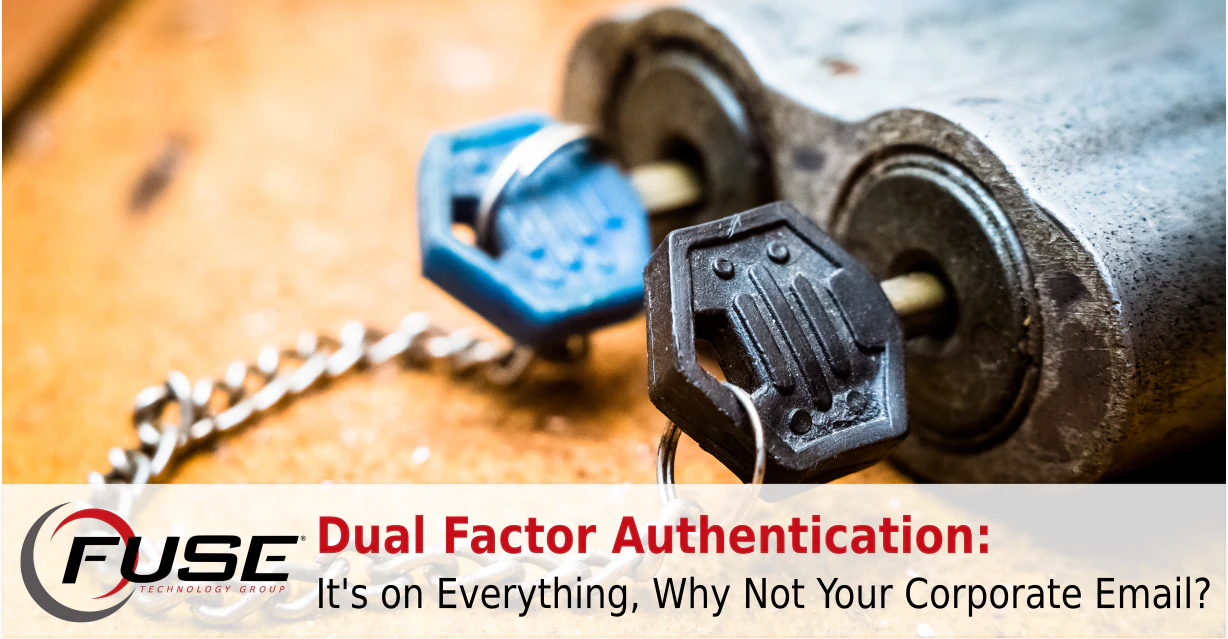
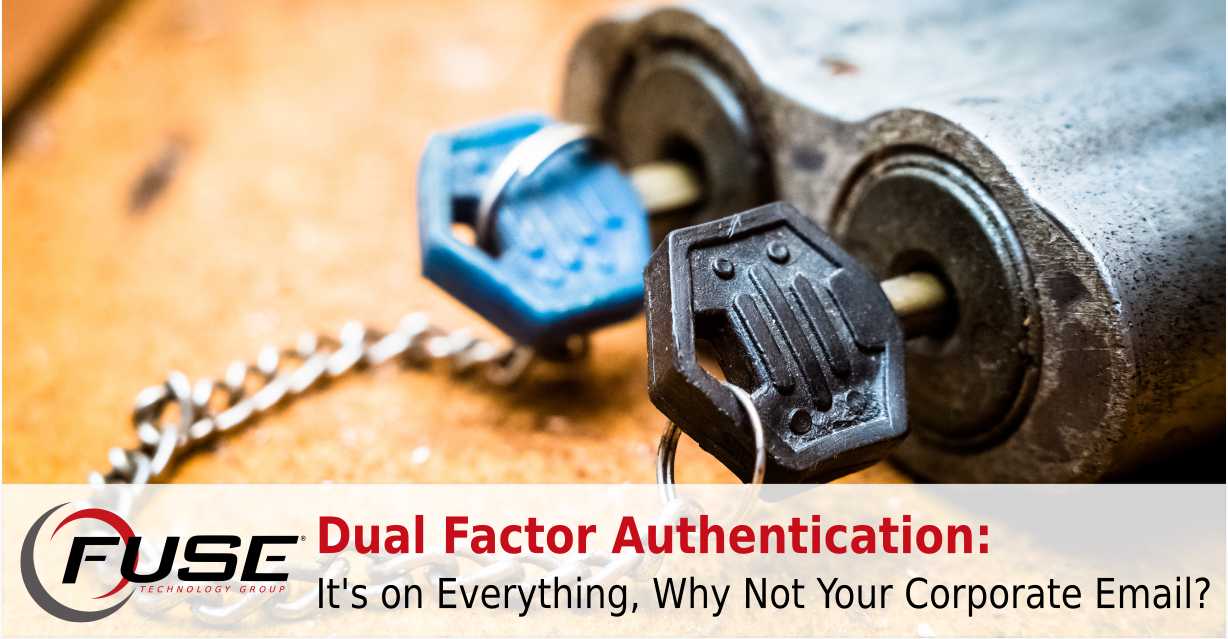
“Dual factor authentication,” also called two-factor authentication, sounds very techie. It isn’t. It simply means proving who you are two ways when you sign in, like needing two keys to open one door.
Many people already use it for their bank, Gmail or Facebook. Yet it’s still missing from one of the most important places for Michigan businesses: company email. Here’s what it is, why email needs it most, and how to turn it on without annoying your team.
What two-factor authentication means
Two keys for one door.
When you sign in, you enter your password first. Then you’re asked for a second proof. That’s usually a code generated by an app on your phone, or a code sent to you by text from the site you’re signing in to.
You’ve probably used it already.
Some banks give customers a small key-chain device, often called a token, that shows a code. You sign in with your user name and password, then type in the code from the token. Google also offers a free app, Google Authenticator, that works with many other sites and apps.
Why your company email needs it most
Your work inbox is the center of everything.
Company email has been a staple of working life for years, and it hasn’t gone away. It’s probably tied to your bank account and most of your other online accounts. That makes it a perfect target for hackers, bots and viruses.
Fake sign-in pages are common.
Many attacks are automated, and they don’t care how big you are. A common trick is a pop-up or web address that looks just like your own email sign-in page. Type your password into it, and someone else now has it. From there they can sign in, read your email, watch financial transactions and dig further. We’ve seen it happen.
A stolen password isn’t enough with two-factor on.
With a second check in place, a password alone won’t get someone into your account. They’d also need the code from your phone.
What Michigan businesses should do
It’s less hassle than you think.
There are two common ways to set it up. One asks for a code every single time you sign in. The other, more common one, only asks the first time you sign in on a new device. That second option is much more convenient and still offers strong protection.
Three steps for your team
- Start with company email. Microsoft 365 and Google Workspace both include two-factor at no extra charge.
- Pick the second check. An app on each person’s phone, or a code by text.
- Then turn it on everywhere else it’s offered. Banking, payroll and other business accounts.
The bottom line
Two-factor authentication on company email is one of the simplest, most effective protections there is, and you likely already pay for it. If you’d like help setting it up for your team, our Michigan team is here. Talk to our team: 248‑545‑0800.
From the Fuse archive, first published December 26, 2017. Read the latest on the Fuse blog.
