
Data Backup and Disaster Recovery: The Essential Plan for Every Business

Every business runs on its data: customer records, invoices, email, the files your team opens every morning. Losing it, even for a day, hurts. That’s just as true for a law office in Southfield as for a manufacturer in Macomb County.
Here’s the plain-English version of data backup and disaster recovery planning, and what a good plan looks like.
Backup and disaster recovery are not the same thing
Backup is the copy.
A backup plan makes regular copies of your files, databases and other important data, and keeps them somewhere safe: on a device in your office, in the cloud, or both.
Disaster recovery is the plan to get back to work.
A disaster recovery plan says how you’ll restore your critical systems and data after something goes wrong, who does what, and how fast you need to be running again. Backup is one part of it.
Why data goes missing
Data loss can happen to any business, of any size, in any industry. The usual causes are ordinary: hardware failure, human error, theft, cyberattacks like ransomware, and fire, flood or storm damage.
Three ways to back up
- Local backup: copies on drives or a network storage device in your office. Fast to restore, but exposed to the same fire, flood or theft as the original.
- Cloud backup: copies on a provider’s servers, reachable from anywhere with an internet connection. Safe from what happens in your building, but a big restore can take longer.
- Hybrid backup: both. A local copy for quick restores and a cloud copy for when the building itself is the problem.
What a good plan looks like
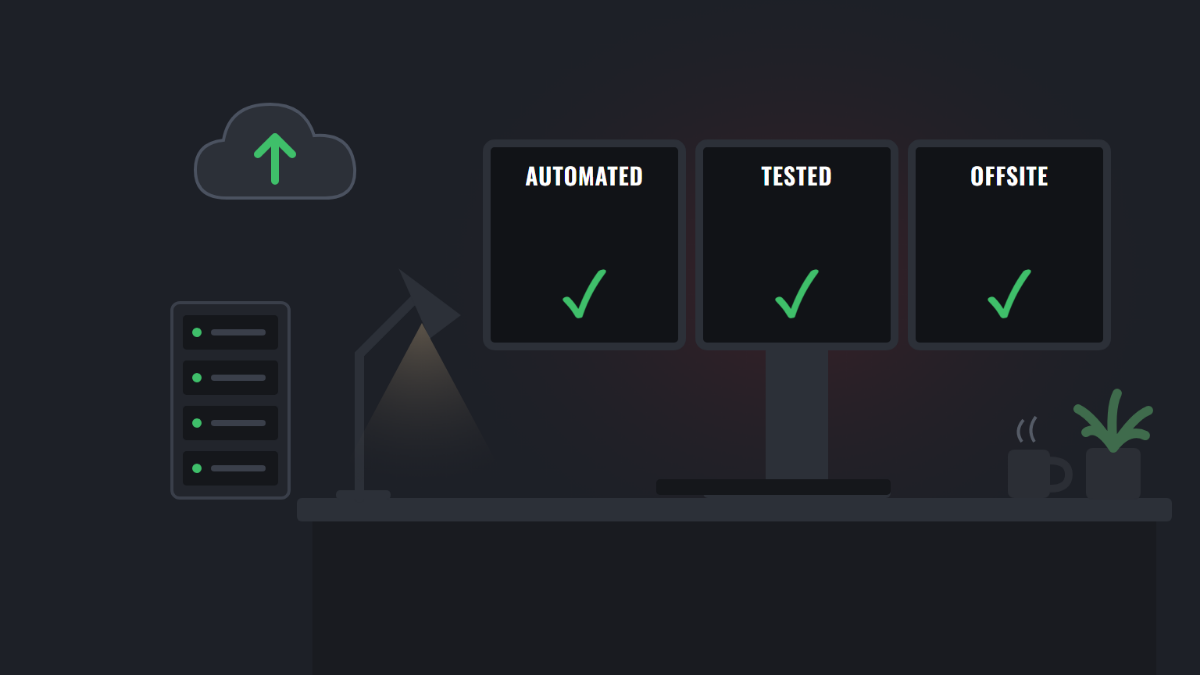
Whatever kind of backup you choose, the same habits make it work.
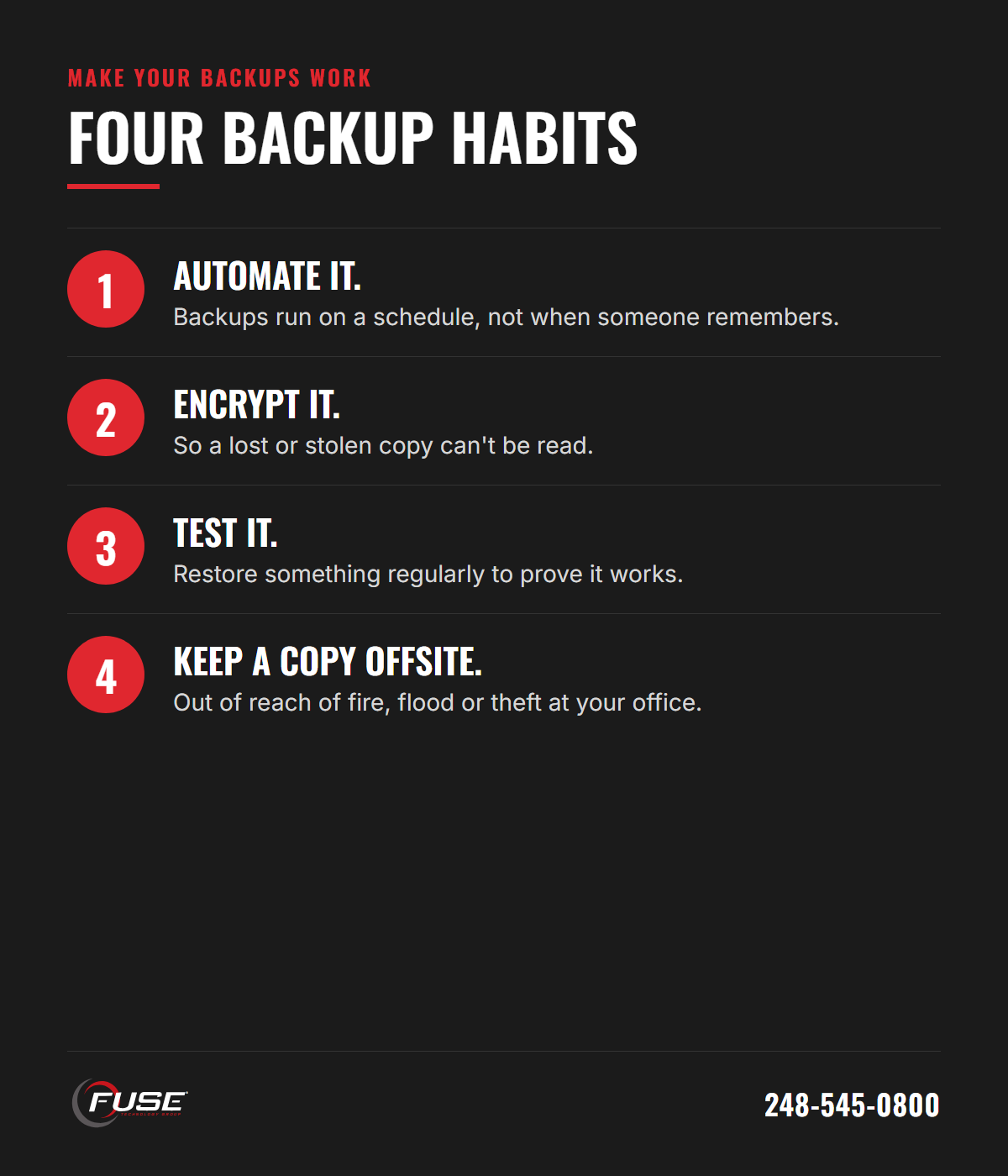
Four backup habits
- Automate it. Backups run on a schedule, not when someone remembers.
- Encrypt it. So a lost or stolen copy can’t be read.
- Test it. Restore something regularly to prove it works.
- Keep a copy offsite. Out of reach of fire, flood or theft at your office.
Then write the recovery plan.
List your critical business processes and systems, decide who restores what, and set how quickly each one needs to be back. Test the plan, and update it when your systems or people change.
Frequently asked questions
What goes into a good disaster recovery plan?
Your critical data and systems, a backup and recovery strategy, a communication plan, and a schedule for testing and updating the plan.
How often should we test it?
We suggest at least once a year, and again whenever your critical systems or data change.
How often should we back up?
It depends on how important the data is and how often it changes. Data that changes all day needs more frequent backups than files that rarely change.
Does the cloud replace a backup?
Not on its own. Cloud services can go down too, as the November Microsoft 365 outage showed. A plan covers how you keep working either way.
The bottom line
A backup you’ve tested and a plan everyone knows turn a bad day into an inconvenience. If you’d like help putting a backup and disaster recovery plan in place, our Michigan team is here. Talk to our team: 248‑545‑0800.
From the Fuse archive, first published July 18, 2024. Read the latest on the Fuse blog.
