
Be Prepared for Hardware Failure or Suffer the Consequences
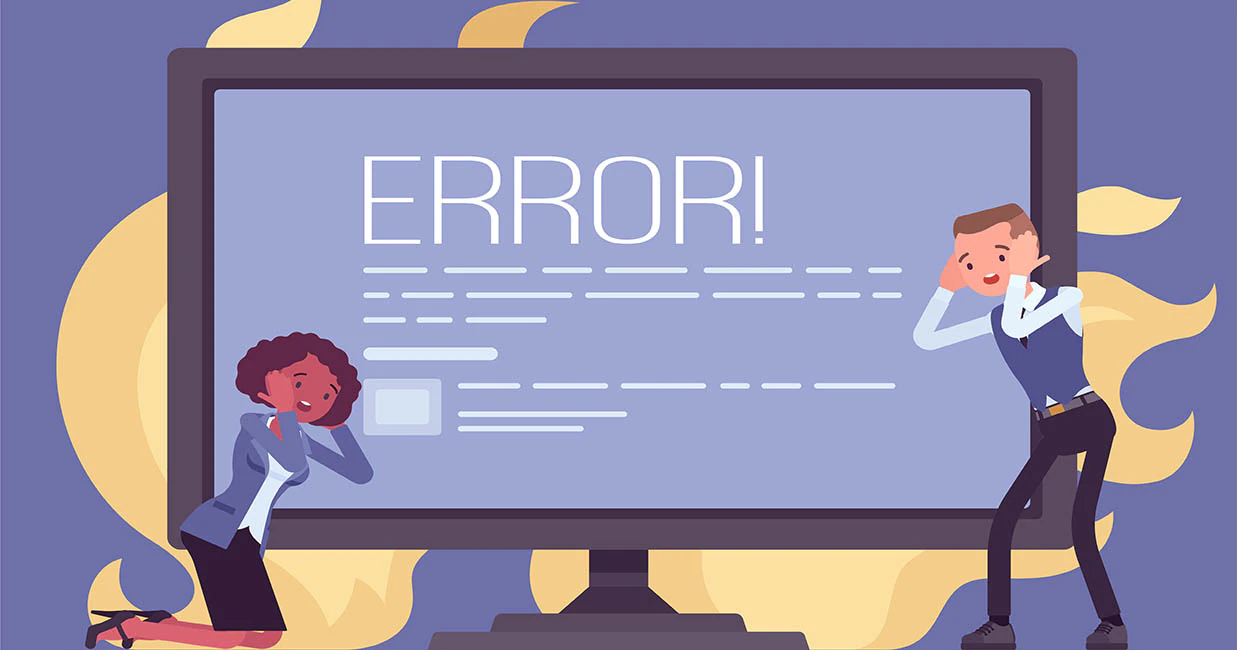
Modern businesses rely on a lot of hardware to stay running: the physical systems that make up your infrastructure, like workstations, routers, switches and servers. No technology lasts forever, and hardware failure is one of the most disruptive problems a business can face. No matter how well you maintain your equipment, you need to be ready for it.
A familiar story
You’re going about your day when your computer starts making a new noise. You think nothing of it, and it fades into the background. A buzzing fan becomes the new normal. Months go by and the computer still works fine, until one day it doesn’t.
What is hardware failure?
PCMag defines hardware failure as “a malfunction within the electronic circuits or electromechanical components (disks, tapes) of a computer system. Recovery from a hardware failure requires repair or replacement of the offending part.”
In other words, hardware failure happens when something inside your computer stops working the way it should. Components wear down over time, especially with heavy daily use in an office. It’s an unavoidable part of running a business, and it has to be planned for.
Monitoring and maintenance help
Hardware failure usually comes with warning signs. Proactive monitoring and maintenance let you act on them before the failure happens, which can extend the life of your technology and give you time to respond.
The biggest benefit is less downtime and lower costs, both from the downtime itself and from emergency replacements. You’ll still need to replace hardware eventually, but watching your systems for warning signs and dealing with them as they appear puts you back in control.
Back up your data, too
It’s also critical to back up the data on your systems regularly. Imagine a server crashing or suffering a critical failure. What would you do if that data were lost completely? A data backup and disaster recovery plan matters here, because hardware failures count as disasters too.
Your checklist
- Know the age of your hardware. Workstations, servers, network gear.
- Don’t ignore warning signs. Noises, slowdowns, errors.
- Monitor and maintain proactively. Fix small issues early.
- Back up regularly and test restores. So a failure isn’t a loss.
The bottom line
Hardware will fail eventually. Being prepared decides whether it’s a minor hiccup or a major disruption. If you’d like help with monitoring, maintenance or a backup plan, our Michigan team is here. Talk to our team: 248‑545‑0800.
From the Fuse archive, first published September 29, 2021. Read the latest on the Fuse blog.
