
Abbreviated Scope Vs. Full Scope… Which is right for your organization?
When off-the-shelf software just doesn’t fit how your organization works, custom software can. It can be tailored to your exact processes, and the efficiencies it creates can make a real difference to the bottom line.
But whether it’s a website, a small web app or a large business application, the first question is always “Where do we start?” Like most projects, it starts with a blueprint. Here are the two most common kinds, and how Michigan businesses can choose between them.
Two paths to a custom application
The abbreviated scope.
An abbreviated scope starts with fact-finding meetings to understand what the application needs to do. The result is a “bullet point” version of a full scope. Developers then start building, with progress updates along the way. The process is more casual and fluid: you and your developer adjust the application as it takes shape, until it’s done.
The full scope.
A full scope is a complete road map, from the first blueprint to delivery. It starts with the same fact-finding, but takes many more, very thorough meetings. The result is a detailed document covering everything from how features work to how screens look. These documents can run dozens of pages and take many hours to write. The upside: a complete blueprint of how the application will work before anyone writes code.
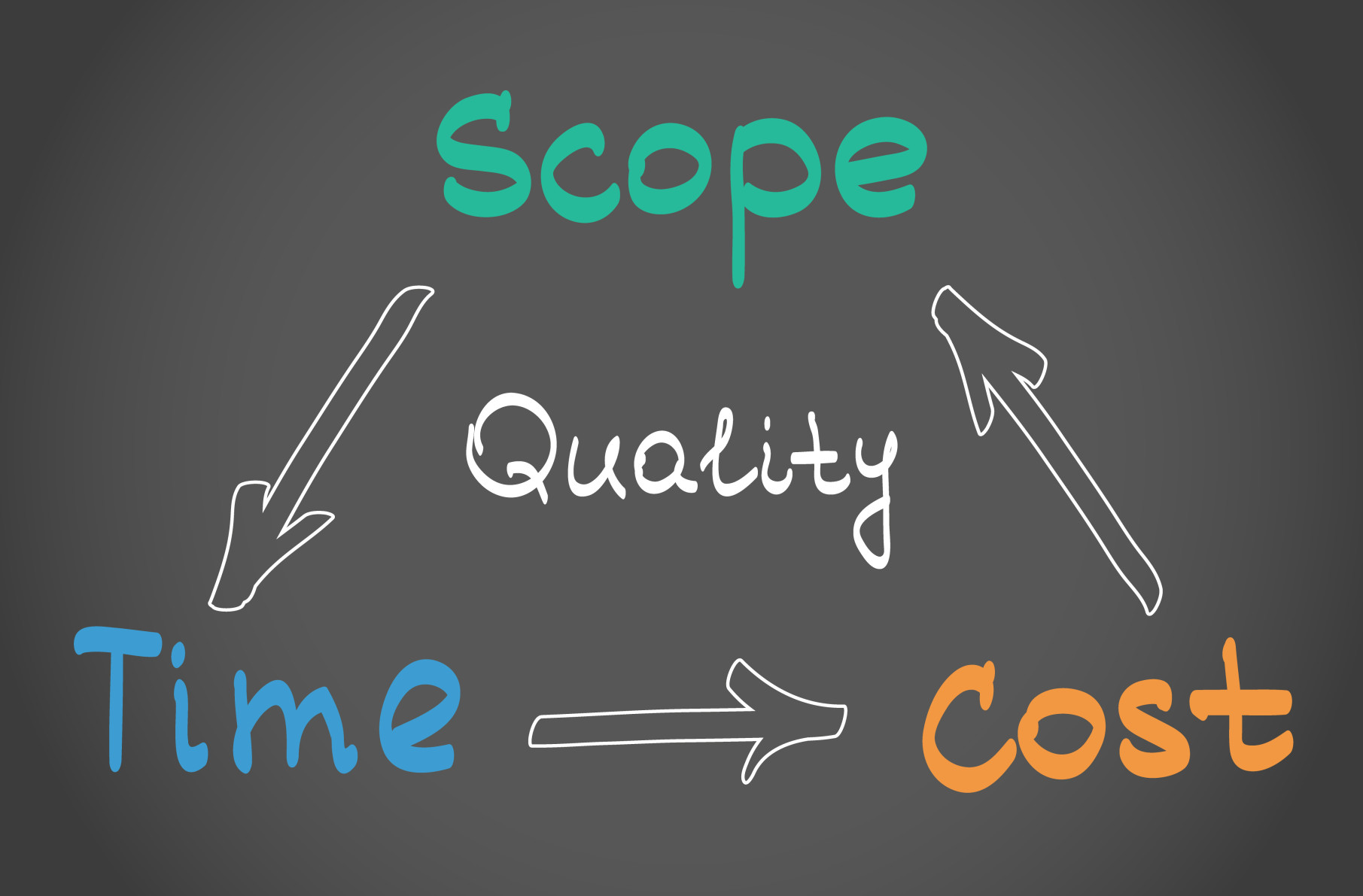
Abbreviated scope: pros and cons
The pros.
- Usually the more cost-effective approach up front.
- Time goes into building, not into a long scope document.
- The application can be adjusted, and improvements added, as development moves along.
- Changes are approved informally, without detailed written change requests.
The cons.
- More room for misunderstanding between you and the developer.
- New ideas found along the way can push the cost past your original budget: the line on “scope creep” gets blurry.
- Features you take for granted in off-the-shelf software may get missed.
- Once staff see they can ask for changes and watch them happen, requests can pile up and stretch the budget and timeline.
- No detailed road map to point to for what the application will and won’t do.
Full scope: pros and cons
The pros.
- A detailed road map of timelines, visuals and how the application works.
- A clear document to lean on, and a transparent view of the end result.
- Less back-and-forth, because everything is defined up front, including what counts as scope creep.
The cons.
- The project usually costs more, because the scope itself takes a lot of time to write.
- If you decide not to go ahead once the scope is written, you still pay for the scope.
- Changes take longer: everything goes in writing and both sides have to approve it, which can slow timelines.
How to choose
- Look at the complexity. The bigger and more critical the application, the more a full scope helps.
- Be honest about the budget. And about how well your team can resist adding “just one more thing.”
- Talk it through. Every organization is different. Communication, inside your team and with your developer, is key.
The bottom line
There’s no single right answer, only the right fit for your project, team and budget. If you’re thinking about a custom application, our Michigan team is happy to talk it through. Talk to our team: 248‑545‑0800.
From the Fuse archive, first published March 22, 2017. Read the latest on the Fuse blog.
