
5 Tips to Protect Against Ransomware
Cybercriminals are after more than passwords and credit card numbers. With ransomware, the goal is to cause enough disruption that a business pays to make it stop, and businesses in Detroit and across Michigan are targets like anyone else.
Here are five tips Metro Detroit businesses can use to protect themselves.
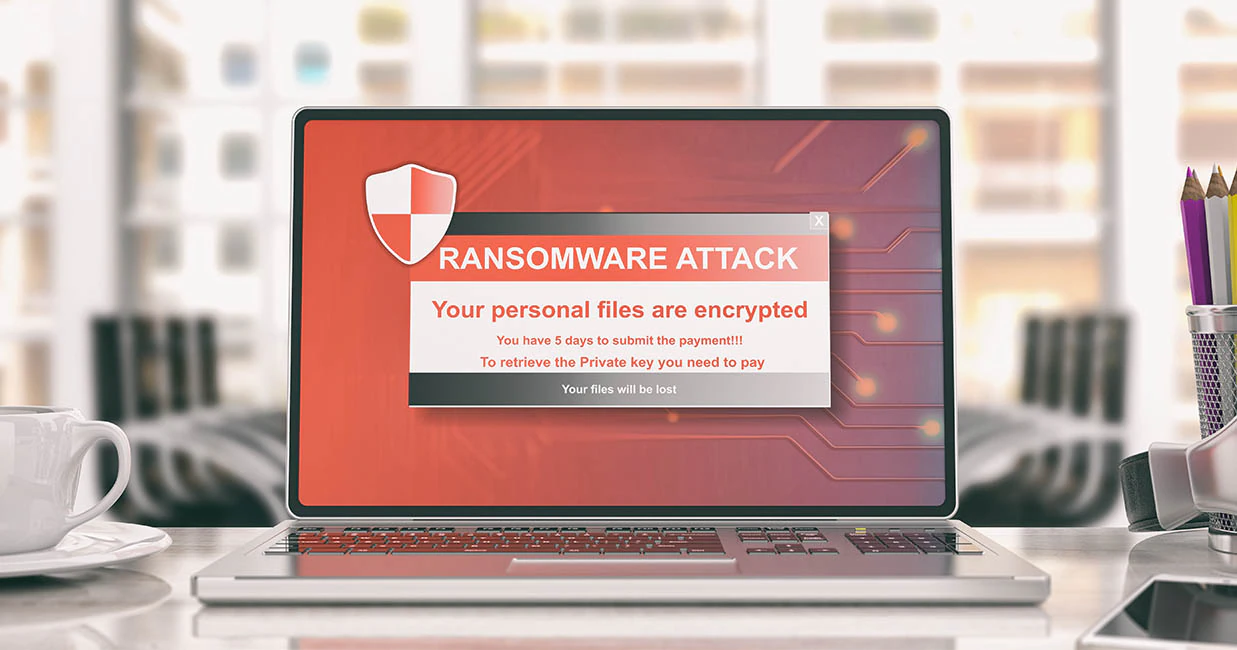
1. Beware of links and attachments in email
Many ransomware attacks start with someone falling for a phishing email. That makes spam and content filtering essential, because attackers use links and attachments to get around your security. The best security can be bypassed if someone downloads malware, so build in layers: control who can access your systems, keep sensible backups, and use multi-factor authentication.
2. Train your team to recognize suspicious emails
Forget the movie hackers in hoodies; many security lapses come down to human error. Phishing and other social engineering tactics work by tricking people into doing something that exposes your network. Your team is your biggest asset, and with training, they become part of your defense.
3. Use multi-factor authentication and access controls
No shortcuts.
To make access easy, some organizations use shared passwords or allow unrestricted access. That’s often how one stolen login becomes a whole-network breach.
MFA and need-to-know.
Multi-factor authentication (MFA, sometimes called two-factor or 2FA) requires a second proof of identity, typically a code sent to a phone or generated by a key you carry. Access privileges limit data to people who need it, so a breach stays contained.
4. Keep your systems updated
Out-of-date hardware and software are low-hanging fruit. Think of vulnerabilities as holes attackers can use to get in. Technology the vendor no longer supports can’t be patched at all, so the longer you run it, the more likely it is to be compromised.
5. Develop a backup and recovery plan
Back up your files. Attackers are always looking for ways around your defenses, so you need a plan B, and here the B stands for backup. A good backup keeps you in control of your data if ransomware gets in, and also protects you from human error and natural disasters.
Your checklist
- Filter email. Spam and content filtering on every mailbox.
- Train regularly. Phishing awareness for the whole team.
- Turn on MFA. And limit access to need-to-know.
- Patch and replace. Retire technology the vendor no longer supports.
- Back up and test. Make sure you can restore.
The bottom line
Each of these tips helps on its own, and they work best together as one plan. If you’re not sure your business could weather a ransomware attack, our Michigan team is here. Talk to our team: 248‑545‑0800.
From the Fuse archive, first published August 31, 2021. Read the latest on the Fuse blog.
