
3 Easy Actions Every Employee Can Do to Keep Their Computer Clean
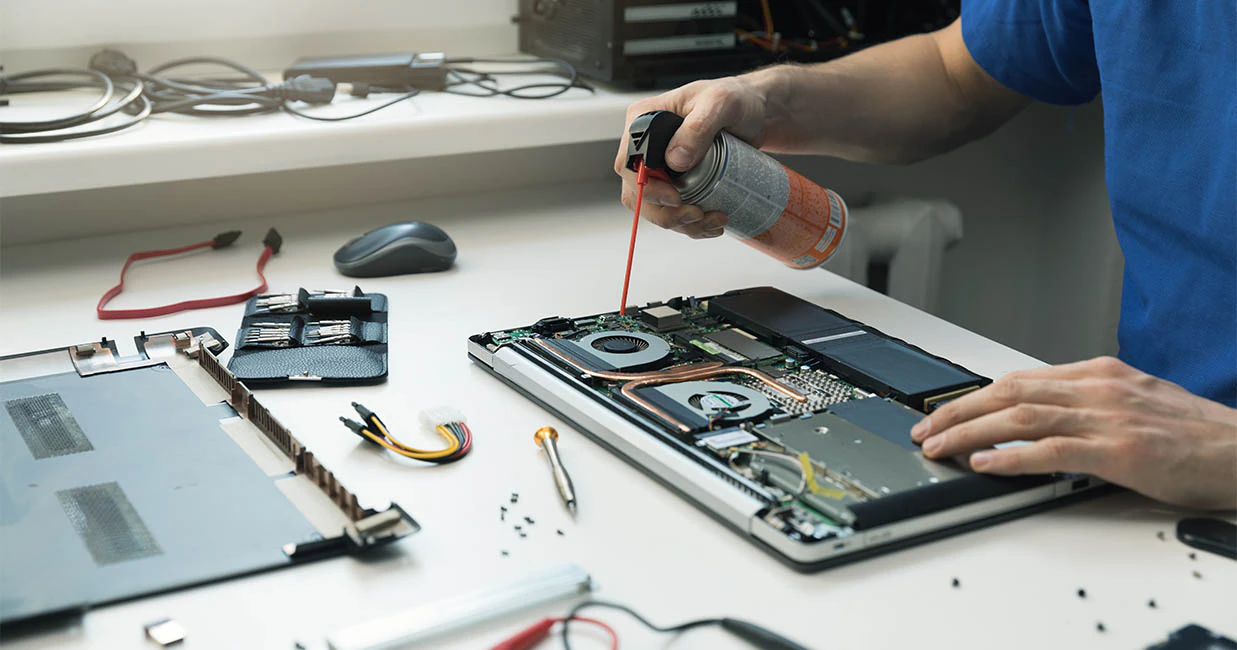
Regular maintenance keeps your IT healthy, but one part often gets overlooked: keeping computers physically clean, dust-free and tidy.
Here are a few everyday habits any employee can use to keep their workstation clean and help your technology last longer.
Before you start
Power down the device and unplug it. The last thing you want is to give yourself a jolt.
Keep the fans free of dust
Dust tends to gather around the vents and fans on a computer’s case. Left alone, it can block airflow and become a real problem, including overheating. Use a can of compressed air to blow dust away from the vent. Don’t blow it into the computer; that does the opposite of what you want.
Wipe down screens and surfaces
However often a device is used, dust settles on it, especially on monitors. Use a microfiber cloth made for the job, and never spray anything directly on the screen. The same goes for your keyboard: compressed air plus a microfiber cloth should get it reasonably clean.
You can use a cleaner on screens. Good eyeglass cleaner works well, but harsh chemicals can cause damage. It works for phones and tablets too. Spray a clean microfiber cloth, not the device.
Keep food and drink away
This is more prevention than cleaning, but the tidier your workstation, the less cleaning you’ll need. Crumbs find their way into keyboards, especially if you often eat lunch at your desk. Liquids are worse. Even water can cause problems under the keys or inside the computer, and a sugary spill can be so hard to clean that you’ll want a new keyboard. Better to keep food and drinks off the desk.
Do a deeper clean now and then
Every so often, it helps to clean beyond the surface, making sure dust isn’t clogging the parts inside the case. Only try this if you’re familiar with the inside of a computer. If you’re not, leave it to an IT professional.
Your checklist
- Unplug first. Every time.
- Dust the vents. Compressed air, aimed away.
- Wipe screens gently. Microfiber cloth, cleaner on the cloth.
- Keep the desk clear. No food or drinks near the keyboard.
The bottom line
A few simple habits can help your computers last longer. If your workstations need a deeper clean or a check-up, our Michigan team is here. Talk to our team: 248‑545‑0800.
From the Fuse archive, first published September 6, 2021. Read the latest on the Fuse blog.
